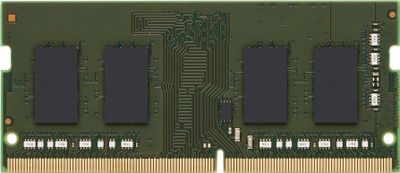
Bild: kaufland.de
HP 8 GB RAM DDR4-2400 SO-DIMM 260-Pin Non-ECC
ab 288,98 €
Notebook-Preise vieler Shops im Vergleich, stündlich aktualisiert

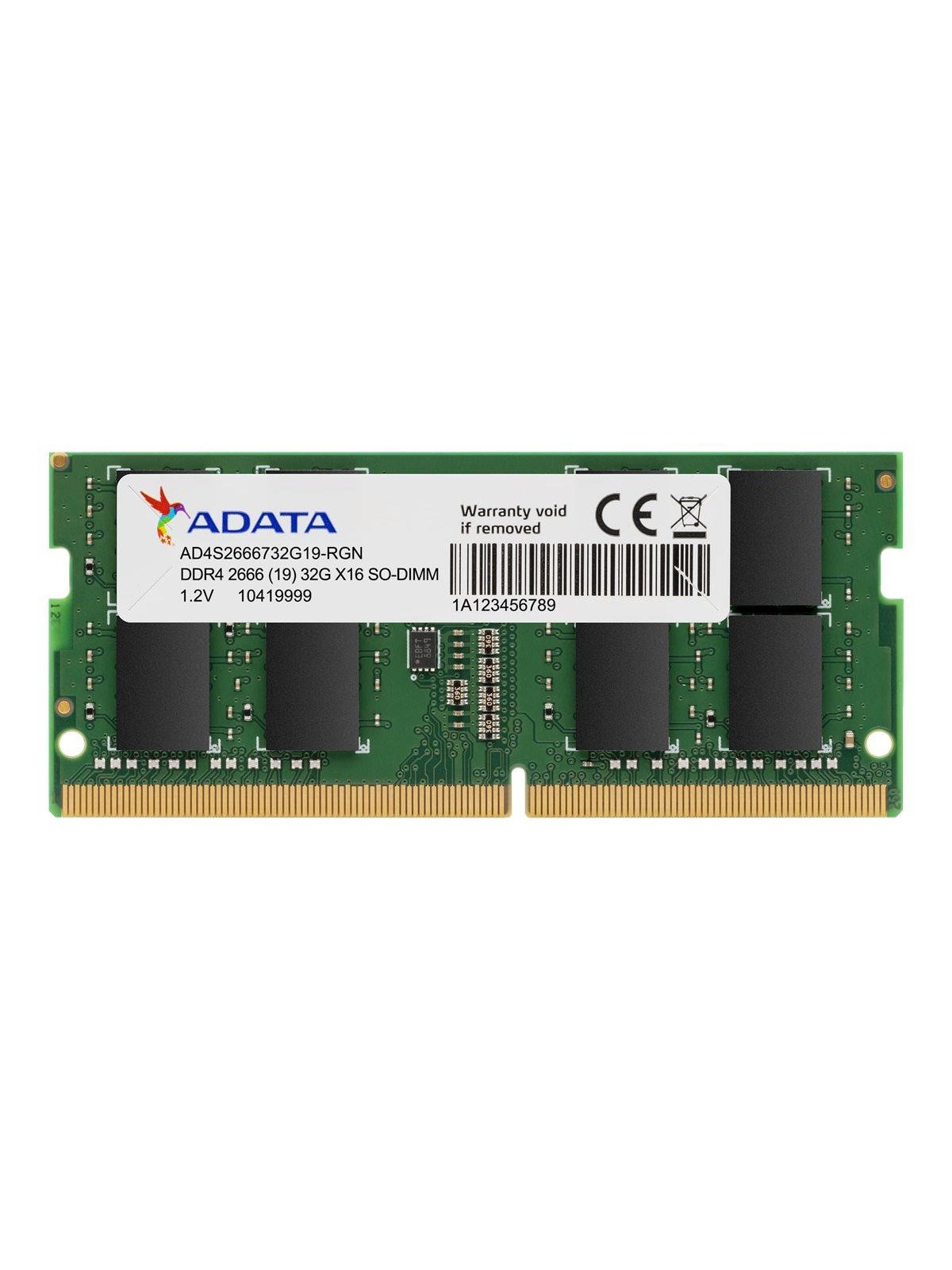
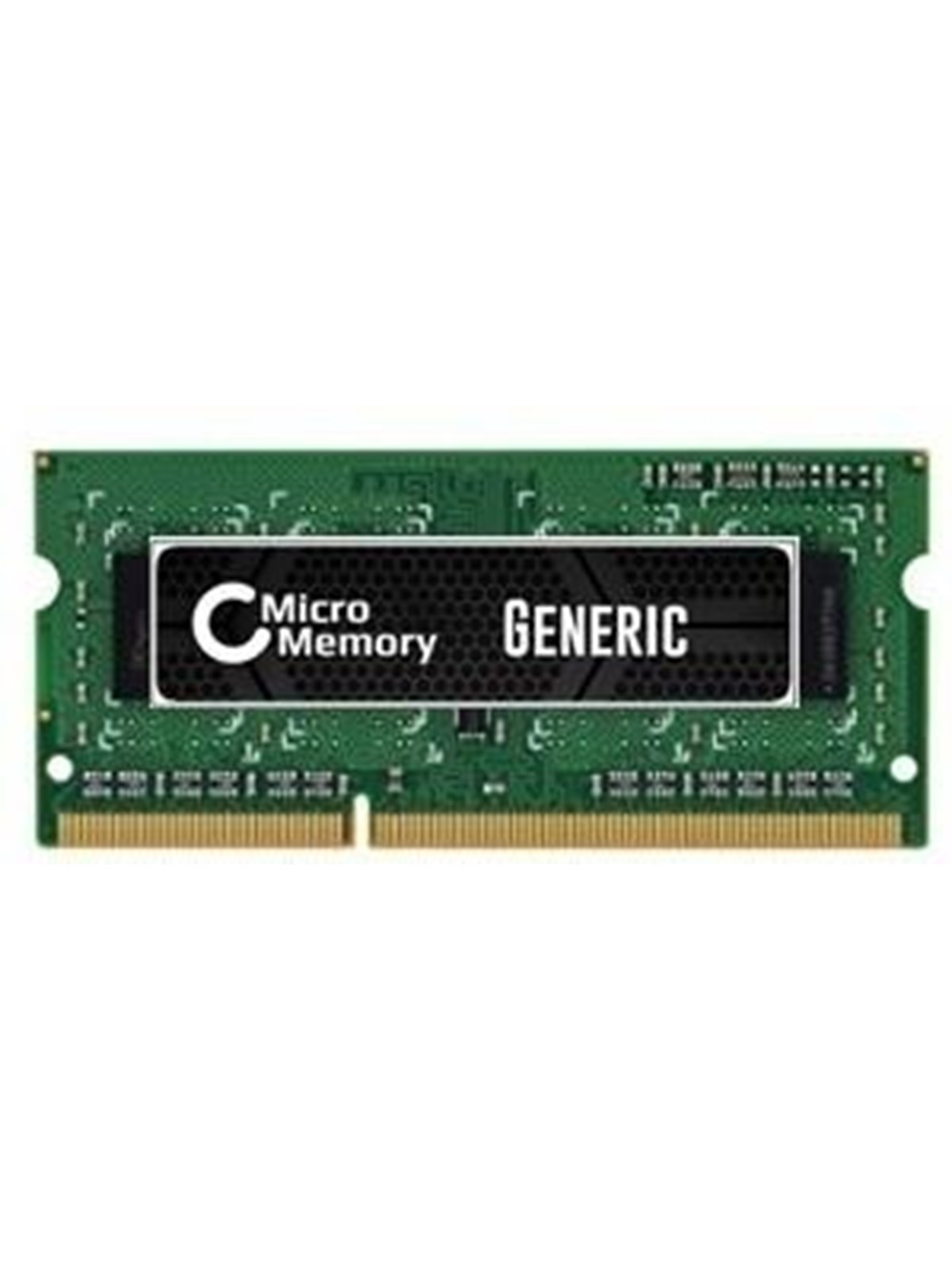
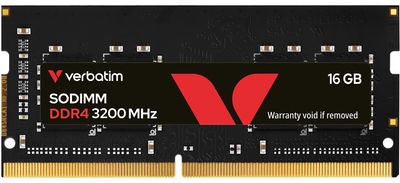
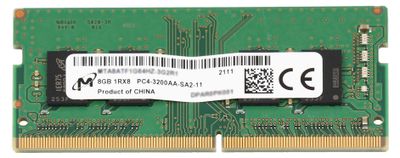
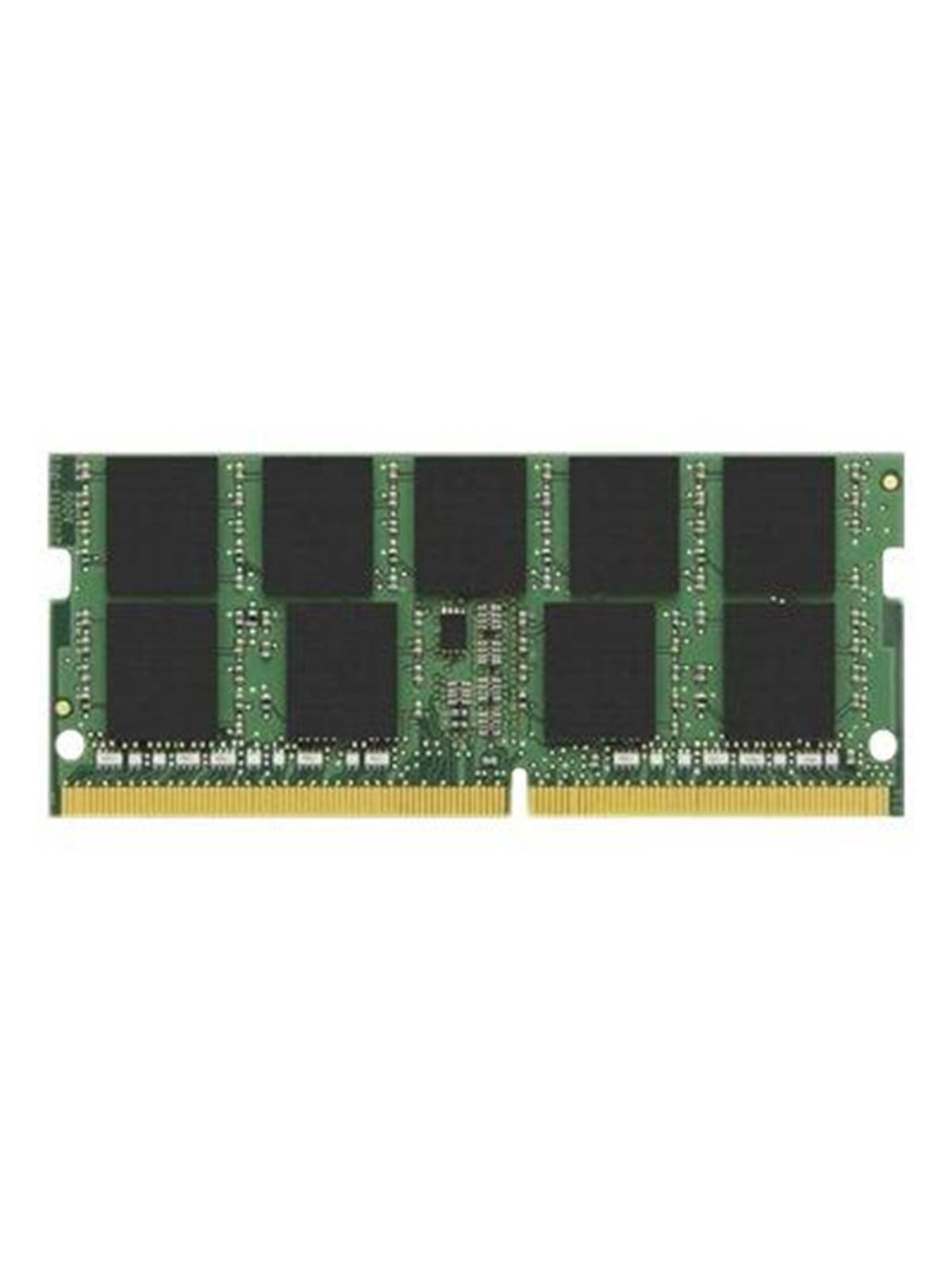
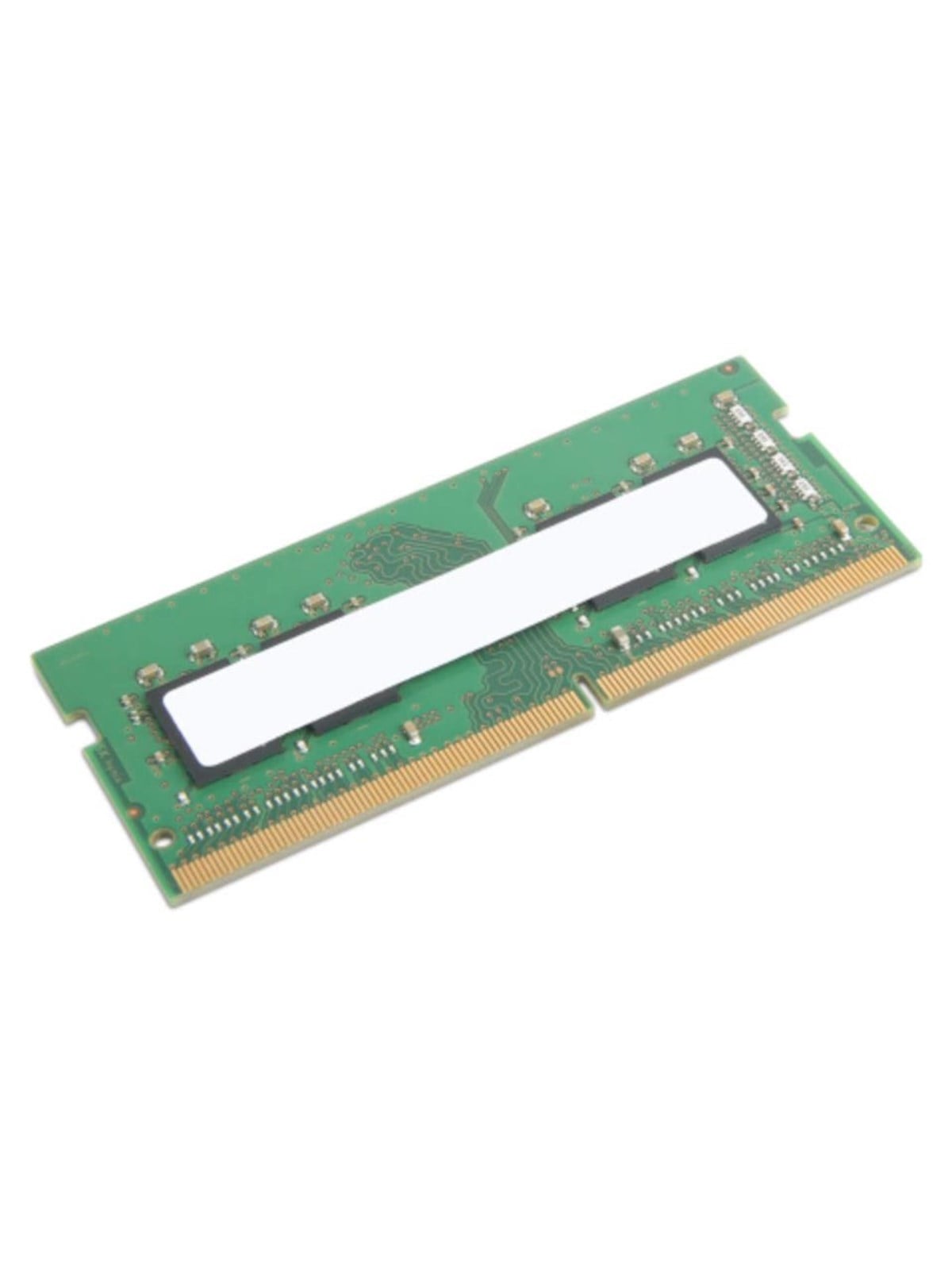
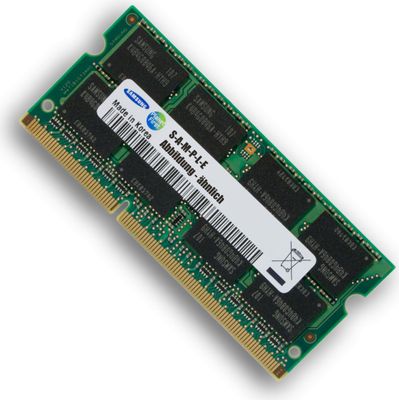
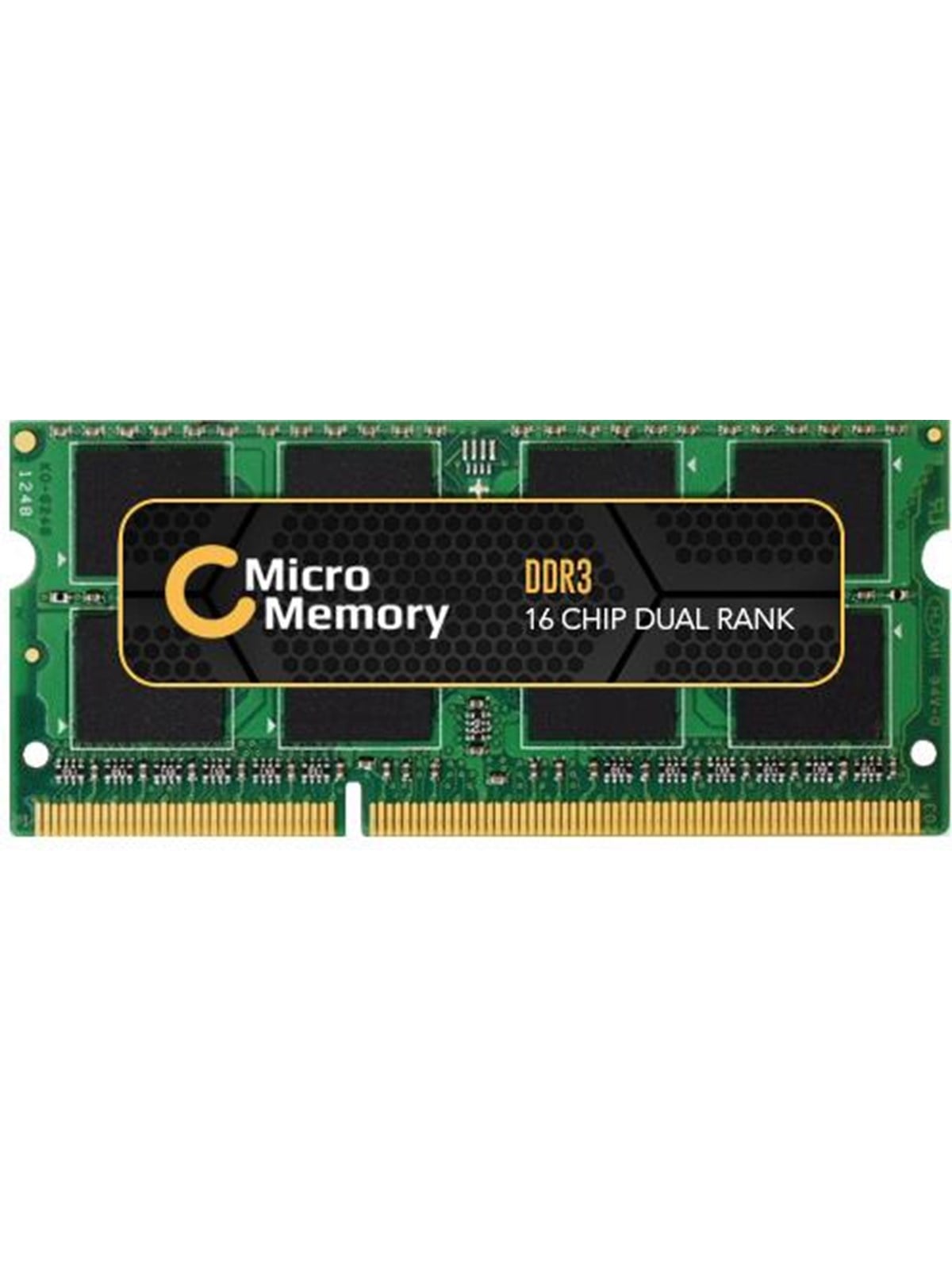
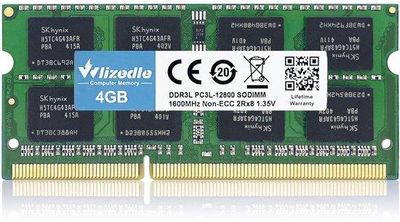
Notebooks nehmen kleinere Speicherriegel auf als Desktop-PCs. An dieser Stelle beginnen die meisten Fehlkäufe. Die Kategorie führt Laptop-Arbeitsspeicher von Herstellern wie Kingston, Crucial, G.Skill, Lexar, Transcend, Corsair, TeamGroup und ADATA. Angeboten werden Module in der Bauform SO-DIMM für Notebooks und DIMM für Desktop-PCs, als DDR4 und DDR5, in verschiedenen Kapazitäten und Taktraten, etwa 8 GB, 16 GB oder 32 GB.
Bild: kaufland.de
ab 288,98 €
Bild: proshop.de
ab 320,83 €
Bild: kaufland.de
ab 394,20 €
Bild: kaufland.de
ab 459,99 €
Bild: proshop.de
ab 23,99 €
Bild: kaufland.de
ab 35,99 €
Bild: kaufland.de
ab 37,99 €
Bild: kaufland.de
ab 37,99 €
Bild: pinntech.co.uk
ab 51,64 €
Bild: conrad.de
ab 54,19 €
Bild: kaufland.de
ab 57,93 €
Bild: kaufland.de
ab 67,90 €
Bild: kaufland.de
ab 68,49 €
Bild: kaufland.de
ab 79,99 €
Bild: kaufland.de
ab 87,99 €
Bild: kaufland.de
ab 87,99 €
Bild: galaxus.de
ab 107,97 €
Bild: kaufland.de
ab 109,98 €
Bild: kaufland.de
ab 109,98 €
Bild: proshop.de
ab 110,00 €
Bild: kaufland.de
ab 125,00 €
Bild: kaufland.de
ab 127,73 €
Bild: kaufland.de
ab 129,55 €
Bild: kaufland.de
ab 138,78 €
Bild: kaufland.de
ab 139,68 €
Bild: galaxus.de
ab 144,06 €
Bild: laptophub.uk
ab 163,94 €
Bild: kaufland.de
ab 168,98 €
Bild: proshop.de
ab 203,62 €
Bild: kaufland.de
ab 204,98 €
Bild: kaufland.de
ab 209,98 €
Bild: kaufland.de
ab 219,26 €
Bild: kaufland.de
ab 222,99 €
Bild: proshop.de
ab 263,58 €
Bild: kaufland.de
ab 284,99 €
Bild: proshop.de
ab 332,99 €
Bild: proshop.de
ab 407,04 €
Bild: kaufland.de
ab 638,76 €
Bild: proshop.de
ab 714,01 €
Bild: kaufland.de
ab 892,88 €
Bild: laptophub.uk
ab 18,37 €
Bild: kaufland.de
ab 29,90 €
Bild: galaxus.de
ab 37,99 €
Bild: conrad.de
ab 37,99 €
Bild: proshop.de
ab 38,43 €
Bild: kaufland.de
ab 55,97 €
Bild: kaufland.de
ab 79,99 €
Bild: kaufland.de
ab 92,17 €
Entscheidend ist weniger die Marke als die Frage, was das Gerät aufnimmt. Bauform, Speicherstandard und die vom Hersteller freigegebene Höchstmenge stehen im Datenblatt oder Servicehandbuch. Manche Notebooks haben gar keine Steckplätze, dann hilft auch das beste Modul nicht. Der Vergleich zeigt dieselben Module, erkennbar an der gleichen EAN, bei verschiedenen Händlern nebeneinander, ein Klick führt zum jeweiligen Shop. Wie viel Speicher sinnvoll ist, erklärt der Beitrag Wie viel Arbeitsspeicher braucht ein Laptop?.